The term item here means a very specific type of data to be cleaned. Each item is basically presented as rows in different categories, and here are a few: Auto Drafts, Orphaned Term Relationship, Transient Options.
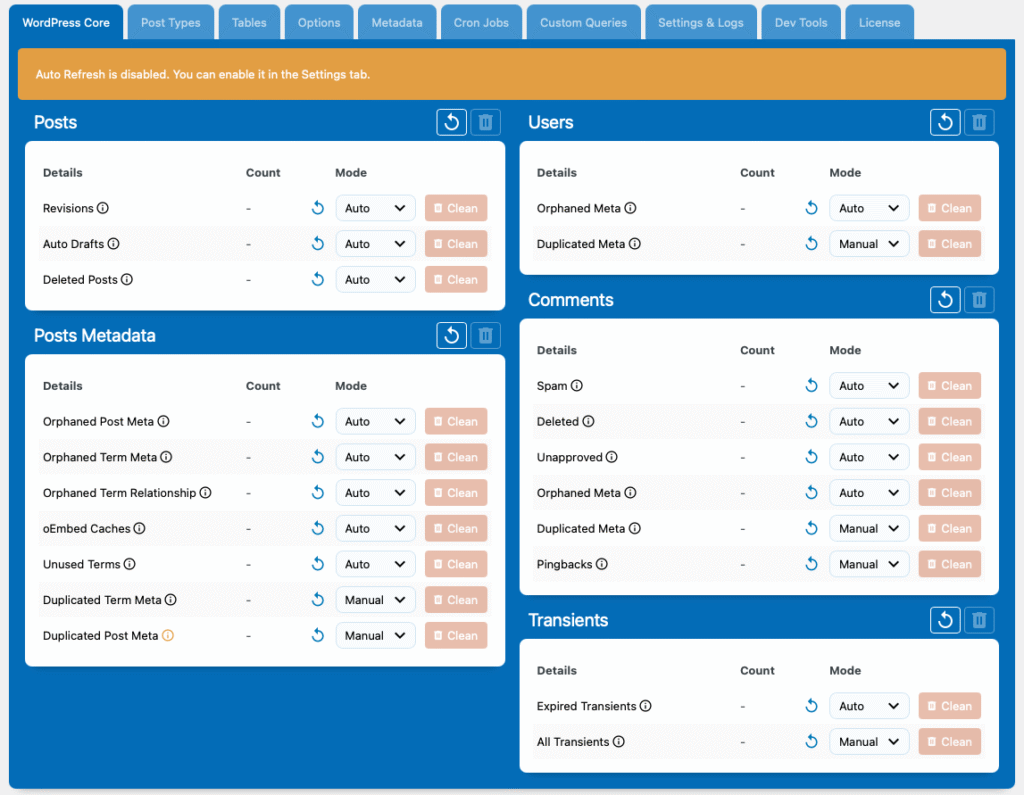
By default, the counts are empty. You can use the refresh icon to update the count of individual items or an entire category. This will display the count as of the time you refreshed it. Once refreshed, you’ll be able to inspect and clean the database data directly.
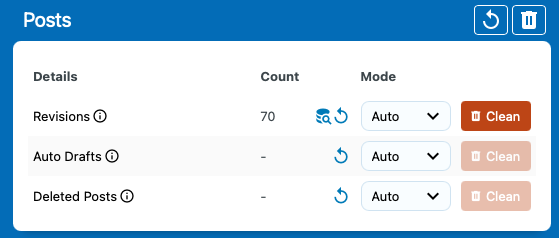
If you want all data to refresh automatically when opening the dashboard, you can enable the Auto Refresh option in the settings. Be cautious, though—running all these queries at once can overload your server if your server memory is smaller than your database size.