This feature is in BETA, use it only at your own discretion.
The goal of this scan is pretty straightforward, it will go through your physical files on your server and for each of them check if there is a duplicate. If there is, it will be marked as an issue. Note that both files (the one scanned and the duplicate(s)) will be in the issue, and it will be your role to determine which one should be deleted or not.
There are currently no settings related to this scan, it will go through all the files and check for duplicates.
The plugin checks the file hashes (binary value) to see if they are the exact same. If you have two images showing the same subject but from a different angle, this doesn’t count as duplicate files as the file content is not the same binary speaking.
Results
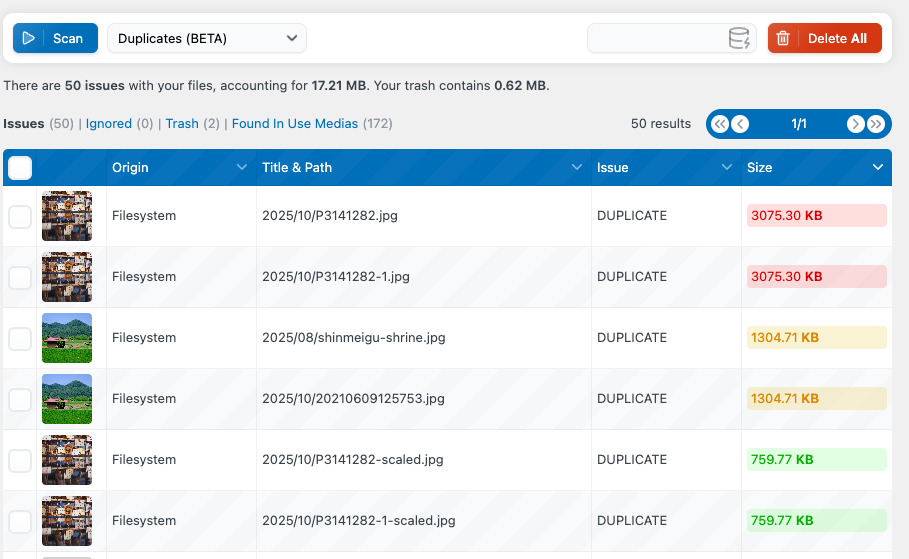
You can see that files with different filenames but actually using the same media will show up with the issue DUPLICATE, so you can clean out the ones that are not needed by moving them to the trash.
You can check the References to see all of the media that have been scanned and their HASH code (unique binary value) to have a look at all the unique files on your server.